
Samsung Galaxy Tab S12 in South Africa | From study sessions to creative side projects
Inside Samsung Galaxy Tab S12
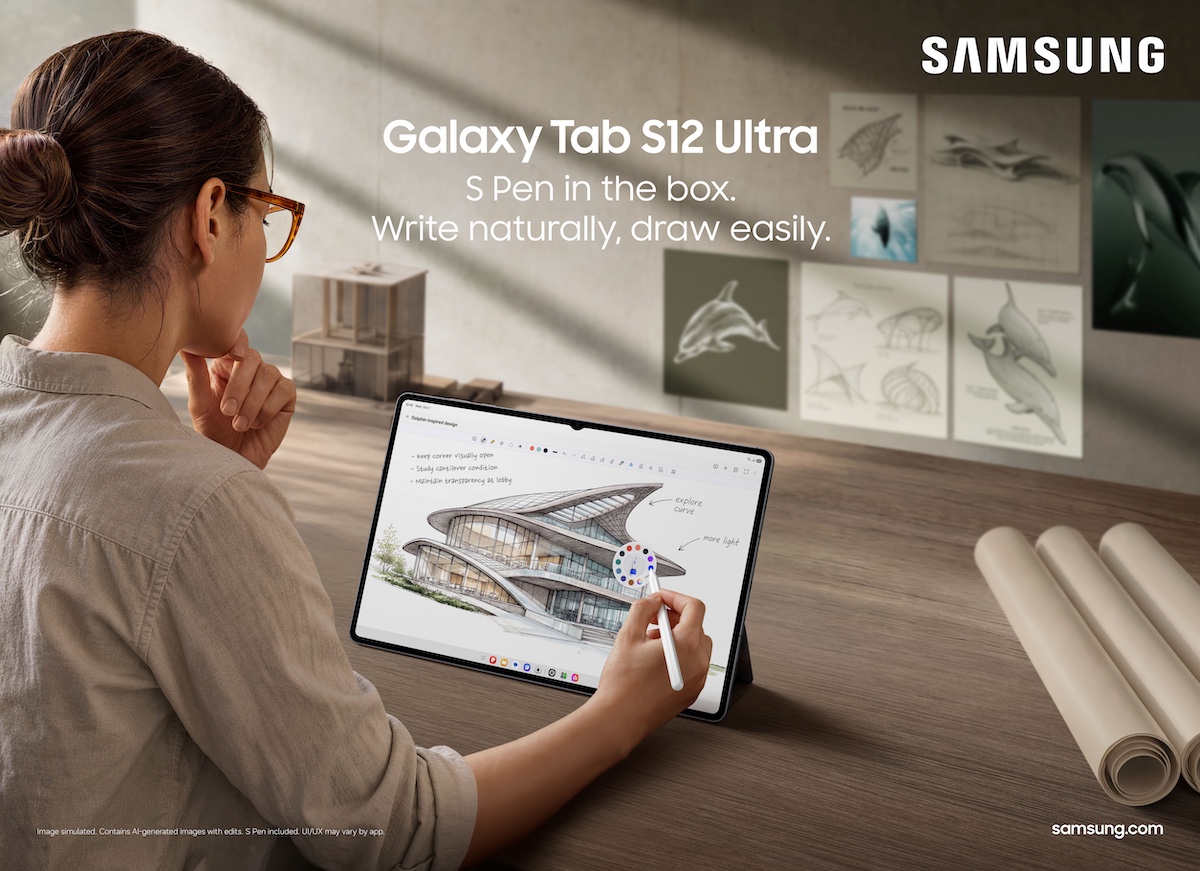
The Samsung Galaxy Tab S12 makes the most sense when you think about the things you fit around your workday. There’s the online course you pick up on the commute, the photos you want to edit over coffee and the series you save for when the day is done. Samsung’s Galaxy Tab S12 Ultra and Galaxy Tab S12+ give those activities a shared screen, with an S Pen included in the box.

A study setup you can take from the commute to the café
An online course can take you from watching a lesson on the commute to working through exercises at a café or library later that day. With Multi Window, you can divide the screen into up to three sections and keep a lecture, Samsung Notes and an AI assistant open together. That means you can jot down a question with the S Pen or ask Gemini to clarify a point as it comes up.
If you like taking notes by hand but need something quicker to revise from, Samsung’s Note Assist can summarise what you’ve written. Gemini Notebook takes a different approach. It brings notes, images, recordings and files into one workspace and can use that material to create summaries, podcasts and quizzes.
From a rough sketch to a photo edit
For a creative side project, the S Pen gives you somewhere to sketch a layout or mark up an image before you start editing. Adobe Photoshop comes preloaded on both Samsung Galaxy Tab S12 models, with an interface adapted for tablets and support for the S Pen. Samsung includes four months of free access to the Photoshop mobile plan.
The other app offers depend on what you want to make. LumaFusion is available at a 66% discount for video editing, while Clip Studio Paint comes with a six-month trial and 20% off the first subscription for digital drawing and painting. If your priority is organising ideas, Samsung lists one year of free access to Goodnotes and one free month of Notion’s Plus plan.

Samsung Galaxy Tab S12 Ultra vs Galaxy Tab S12+
The main choice is how much screen space you want to carry. The Ultra’s 14.6-inch display gives you more room for a video timeline or a lecture alongside your notes. The S12+ has a 12.6-inch screen, which may suit you better if you regularly move between the commute, a café and home.
| Feature | Galaxy Tab S12 Ultra | Galaxy Tab S12+ |
|---|---|---|
| Display size | 14.6 inches | 12.6 inches |
| Display technology | Dynamic AMOLED 2X | Dynamic AMOLED 2X |
| Battery life, according to Samsung | Up to 23 hours | Up to 21 hours |
| S Pen | Included | Included |
| Colours | Gray and Silver | Gray and Silver |
Both models feature four-channel spatial audio for streaming, gaming or editing. Samsung says the battery can go from 0% to 100% in about 95 minutes with a 45W adapter. The company also lists up to seven years of operating system upgrades and security updates for both tablets.
South African availability and launch offers
Samsung lists 6 November 2026 as the local availability date for the Samsung Galaxy Tab S12 Ultra and Galaxy Tab S12+. Its local launch promotion runs until 31 January 2027 and includes a R1,500 voucher, six months of Google AI Pro and up to 23% off Samsung Care+.
| Samsung Care+ Premium option | Promotional price | Accidental damage protection |
|---|---|---|
| Monthly subscription | R99 per month | 36 months with unlimited accidental damage repairs |
| Once-off subscription | R1,699 | 24 months with two accidental damage repairs |
Source note — This feature draws on Samsung’s supplied product announcement. The battery figures, charging time and promotional terms come from Samsung.


No Comments